How it helps
Less chasing. More control.
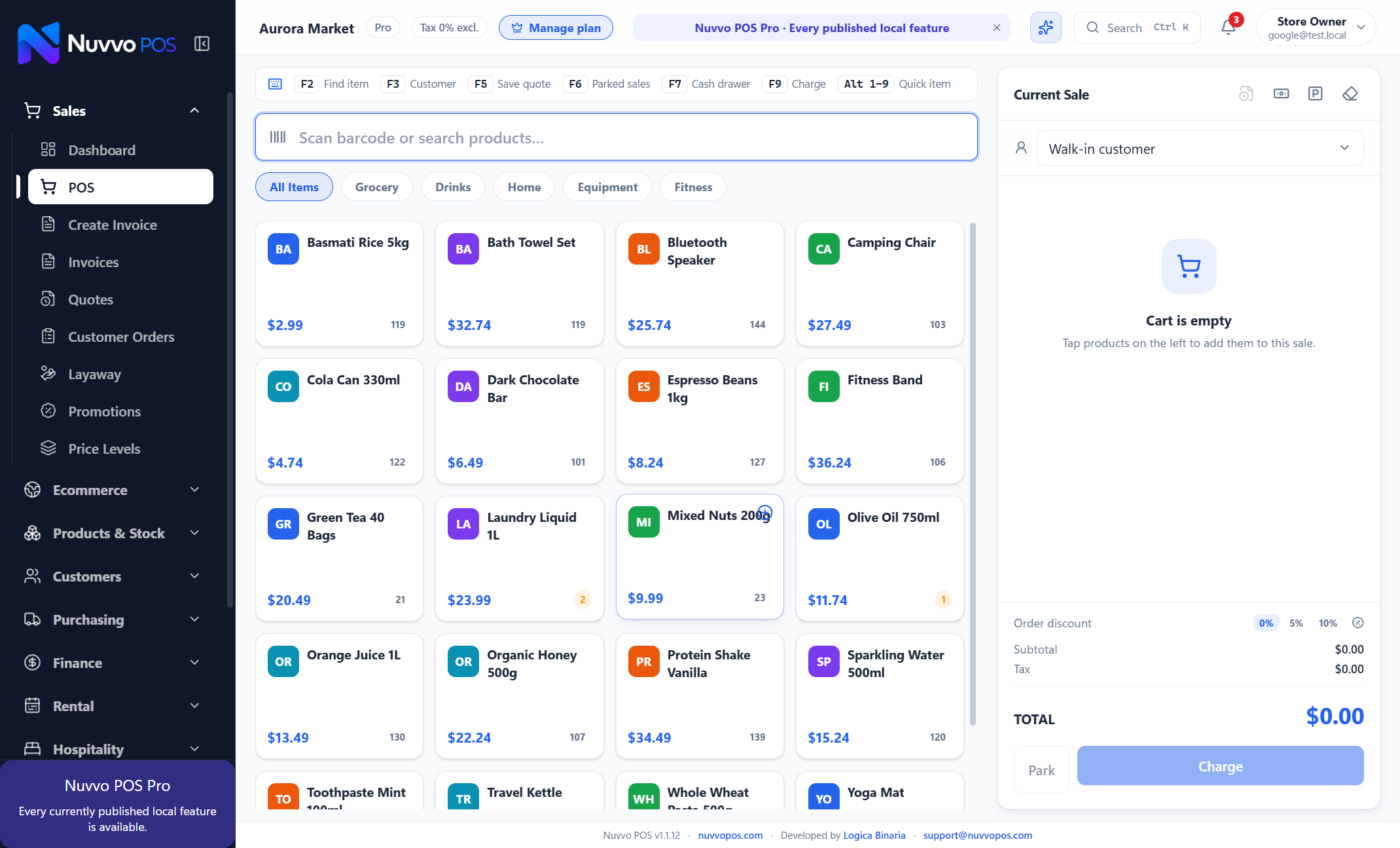
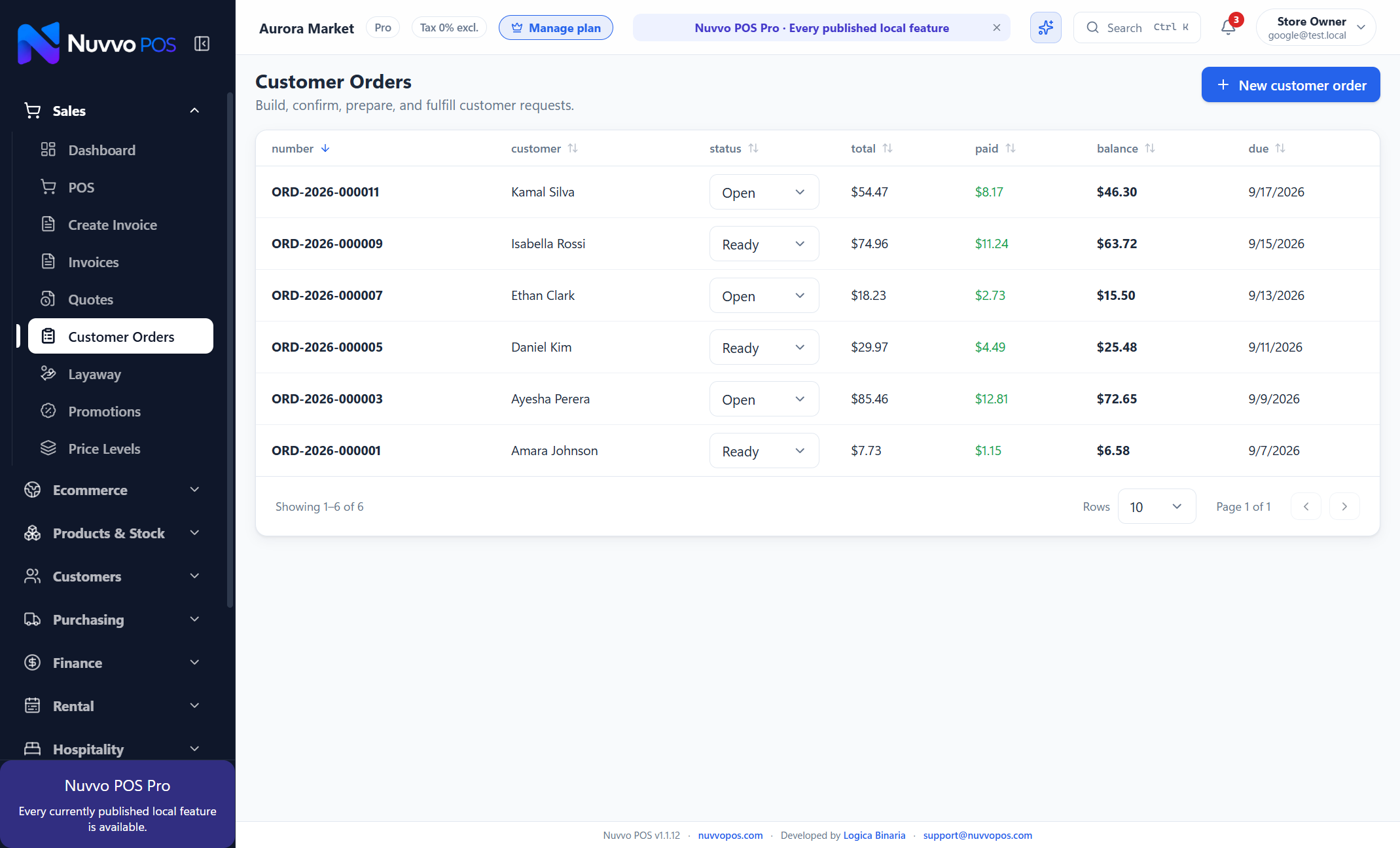
Keep queues moving while every sale, invoice, quote and customer order stays connected.
- ✓Scan barcodes or search products instantly
- ✓Park sales and resume them without rebuilding the cart
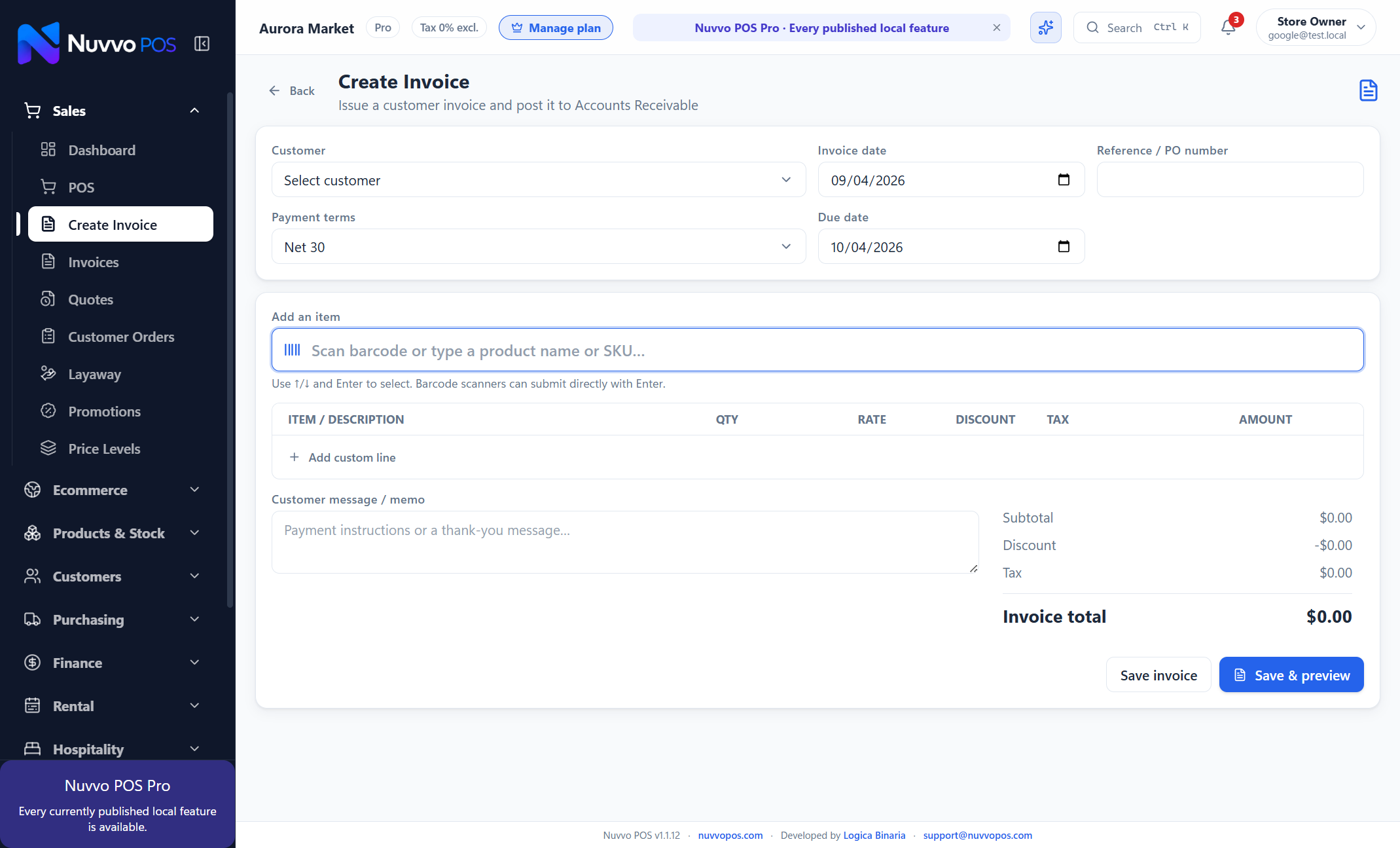
- ✓Create invoices, quotes, deposits and layaway orders
- ✓Print receipts and invoices with a preview first
A typical day
- 1
Open the register and confirm the cash drawer
- 2
Serve walk-in customers or select an existing customer
- 3
Accept cash, card, mobile or split payments
- 4
Review sales and close the register at day end